Which tool?
From the question you have to the page that answers it. There are three ways in, and the Docs column is the page that explains the controls.
As a list
- A name you know (NACA 2412, SD 7037, E 818): the box on the home page, or Search
- A job (mass, speed, area, span, fluid): Mission, then Results
- A family to browse (thickness, camber, where they peak): the Search filters
By question
| I want to… | Page | Docs |
|---|---|---|
| Find a section by name, family or figure | Search | Search |
| Pick a section from mass, speed, area and the flight envelope | Mission, then Results | Mission and results |
| Read one section's polars, run it at my Reynolds number, download it | /foil/<name>, from Search or the home page box | The foil page |
Overlay several sections, or one I have as a .dat file | Compare | Compare |
Draw or edit a section by its CST parameters, fit a .dat, export it | Kulfan canvas | Kulfan canvas |
| Improve a section for a set of operating points | Optimize | Optimize |
| Loft a wing and export STEP or STL | Wing designer | Planform, Sections, Twist and dihedral, Export |
| Lift, drag and L/D of a whole wing | Wing analysis | Wing analysis |
| Trim a wing and a stabiliser about a CG; static margin | Trim | Trim |
| Work out a Reynolds number | Reynolds number, or Mission does it | |
| Choose the transition setting | Ncrit | |
| Drive all of this from Claude, ChatGPT, Grok or Claude Code | Connectors | Connect your agent, MCP tools |
| Geometry and polars over HTTP, no key | API reference | REST API |
| What each file holds and how it is scaled | File formats | |
| Where my XFLR5, Flow5 or OpenVSP inputs go | Coming from XFLR5, Flow5 or OpenVSP | |
| What the analyses do not model | Limits | |
| My saved sections, wings and analyses; credits | Dashboard | |
| Designs other people have published | Gallery | |
| Where the polars come from, and how they compare with measurement | NeuralFoil, Validation |
Where they are in the menu
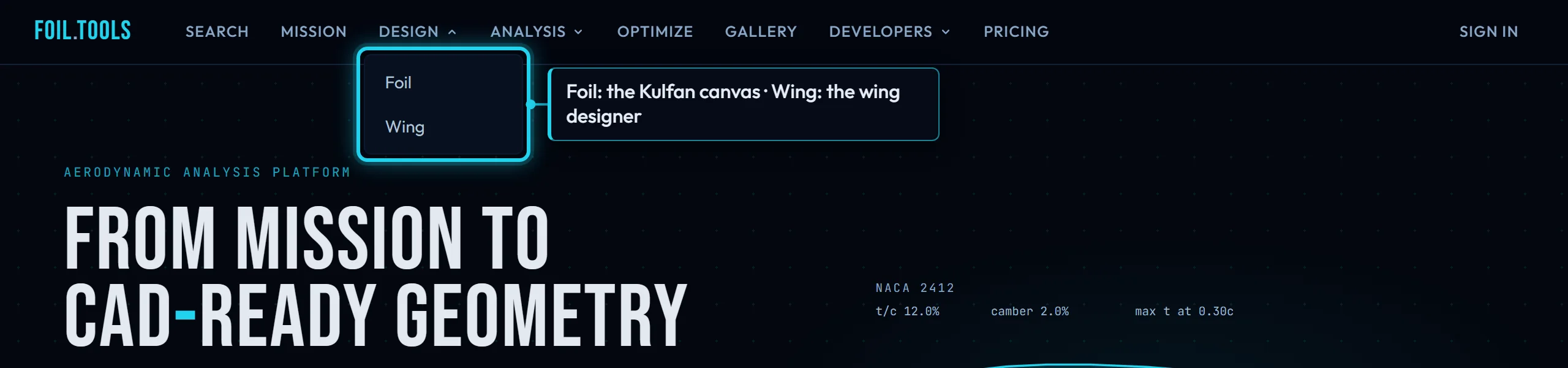
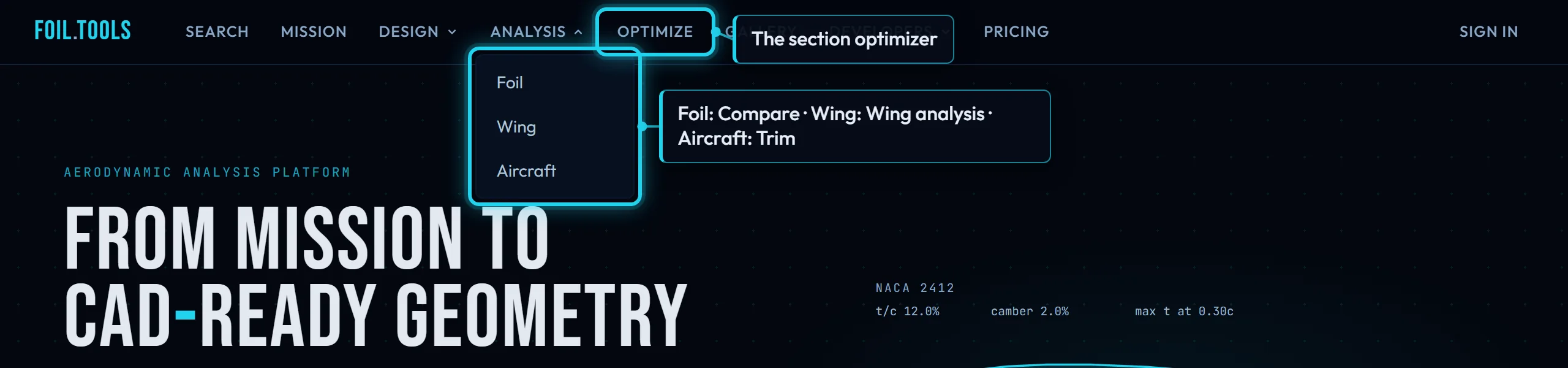
- Search and Mission are the two ways in: by name, or by job.
- Design holds the two geometry editors: Foil is the Kulfan canvas, Wing is the wing designer.
- Analysis holds the three solvers, one per level: Foil is Compare, Wing is Wing analysis, Aircraft is Trim.
- Optimize is the section optimizer.
- Gallery is the community: published designs and profiles.
- Developers holds the API reference, the connectors and the changelog.
- Pricing, Docs, and Dashboard when signed in.
A section page is not in the menu. It is reached from Search, from Mission's results, from a Gallery post, or by typing a name into the box on the home page.
Free, metered and paid
Search, Mission, the section pages, Compare, the Kulfan canvas and the wing designer are free. A live NeuralFoil run on a section page is free with an account, up to 120 an hour, and limited to 3 per 30 days without one. Optimize and Wing analysis each have a monthly free allowance and then draw on credits; the page says which before you run. STEP and STL export needs a sign-in. Trim is paid only. Pricing has the numbers.